
Public witnessing, organized.
Preach.PW helps your congregation coordinate ministry shifts, track assignments, and stay connected during public witnessing — all from one native app.
Get the app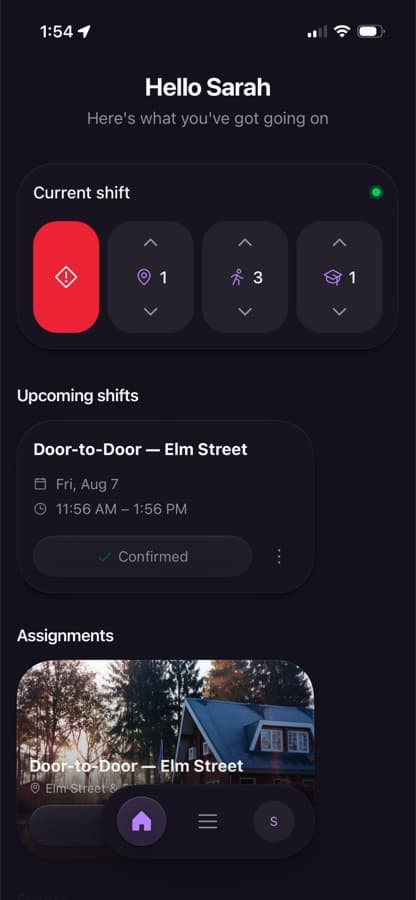
Everything your congregation needs in the field
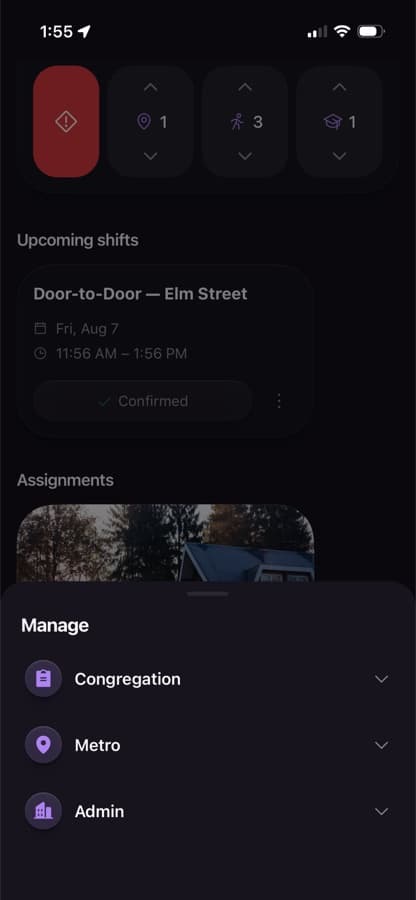
Shift scheduling
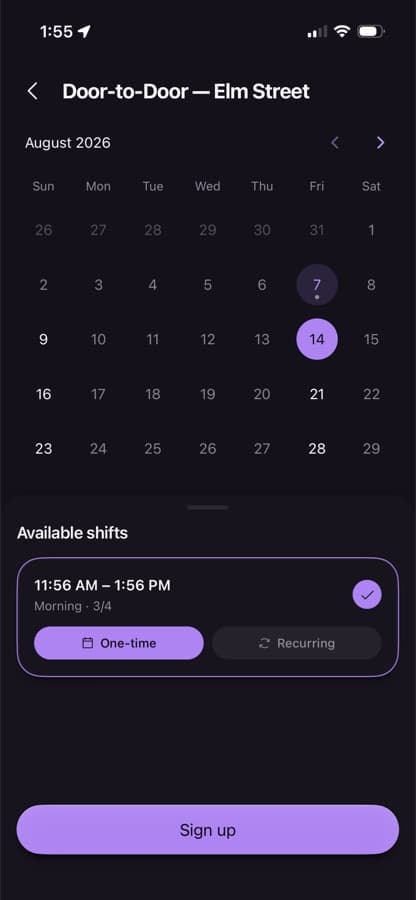
See upcoming ministry shifts at a glance, sign up in a tap, and know exactly where and when you're needed.
Live shift map
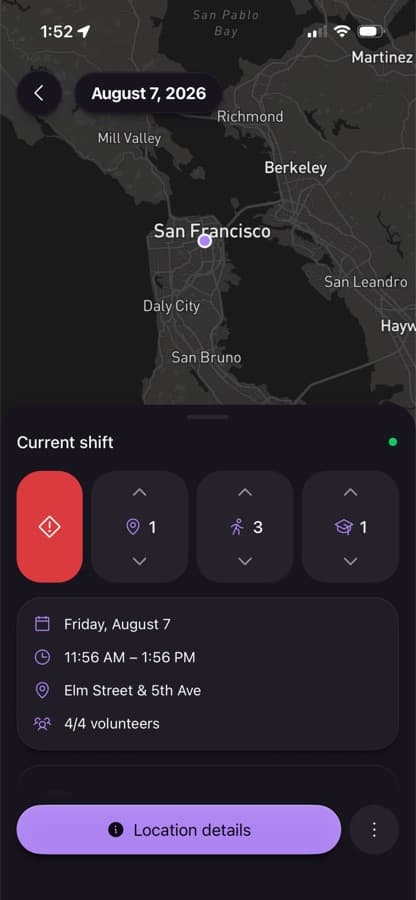
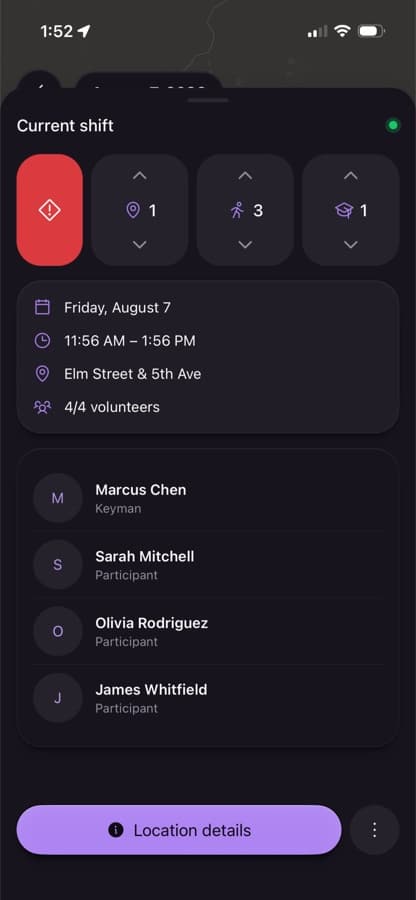
Your cart's location, participant pins, and turn-by-turn directions right on the shift detail screen.
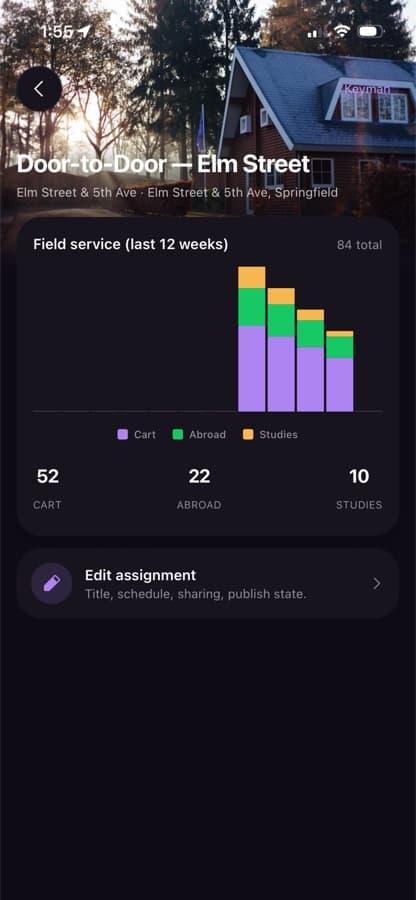
Assignments & tally
Track cart conversations, informal witnessing, and return visits per shift — submitted right from your phone.
SOS alerts
A dedicated, hard-to-miss alert that reaches nearby publishers and elders fast if someone needs help in the field.
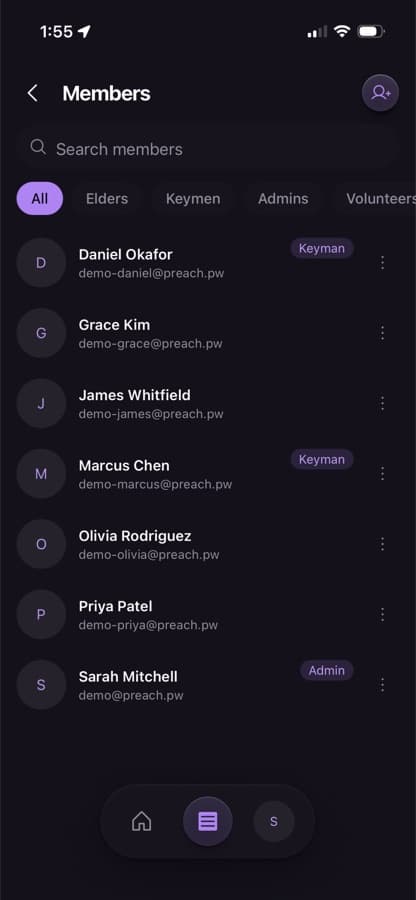
Congregation roster
Elders and admins can manage members, roles, and assignments without leaving the app.
Built for the field
A fast, native app designed around how public witnessing actually works — not a repurposed spreadsheet.
Support
Can't find what you need? Email us at support@preach.pw and we'll get back to you.
How do I get the app?
Tap “Get the app” above — it'll take you to the right download for your device (iOS or Android).
I forgot my password. How do I reset it?
Use “Forgot password?” on the sign-in screen. If you don't have an account yet, ask your congregation's coordinator for an invite.
How do I turn off notifications?
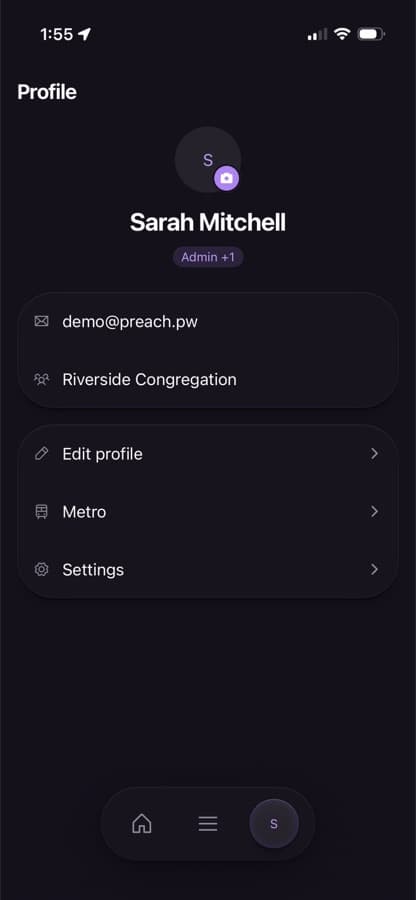
Open the app, go to Profile → Notifications, and toggle off what you don't want. SOS alerts are designed to be hard to silence, since they're safety-critical.
How do I delete my account or data?
Open the app, go to Profile → Delete Account for self-service deletion. This removes your personal data while preserving anonymized shift/tally history for your congregation's records.
Is my location shared with anyone?
Only if you opt in, and only while an active shift is happening, and only with other participants on that same shift. It's off by default. See our Privacy Policy for details.